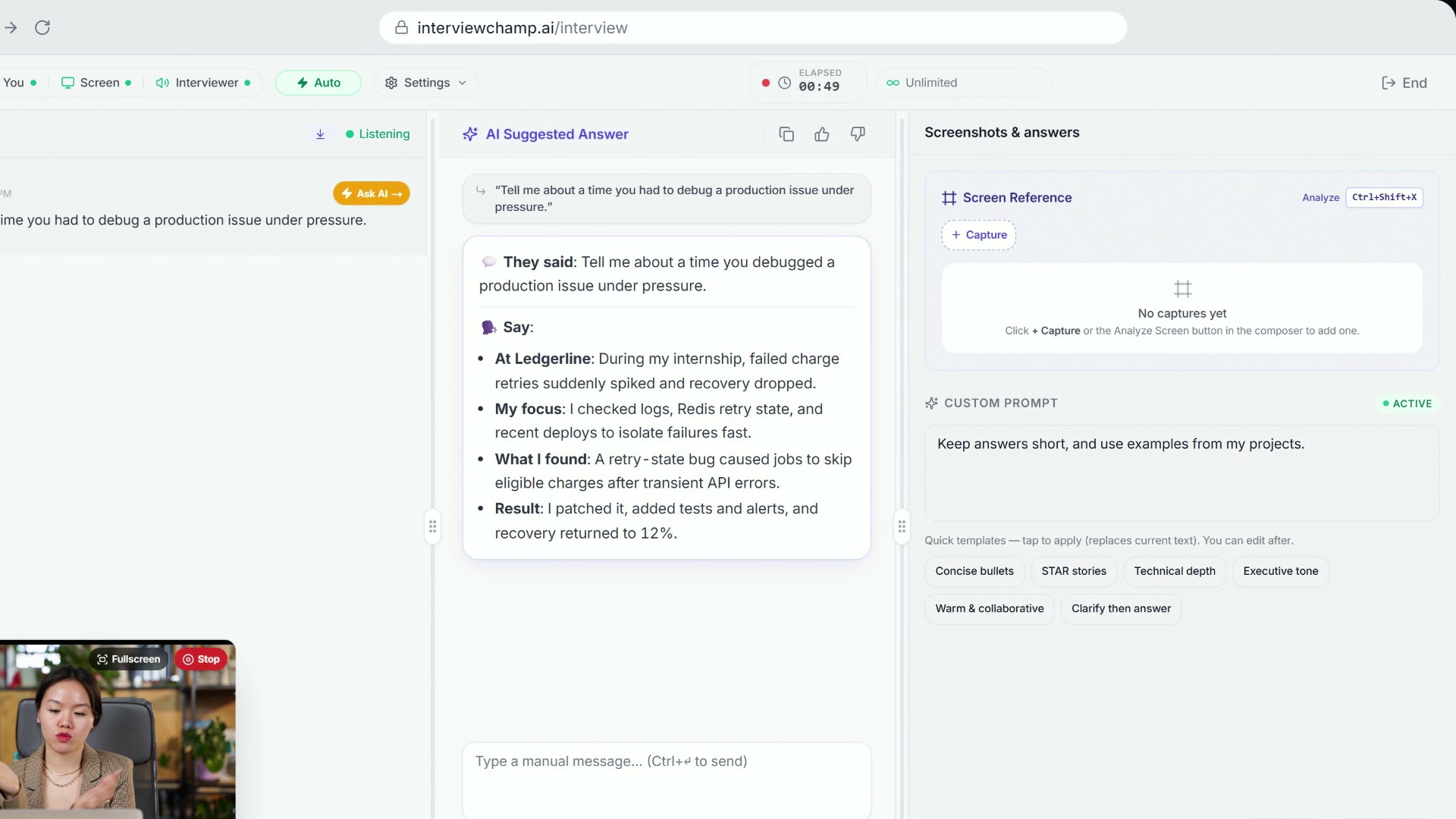
How to use InterviewChamp in your browser during a live interview (full walkthrough)
Video · 2:44 · 8 chapters
When Live coach is toggled ON (topbar Settings → Live coach; in the video: ), the AI annotates key phrases inside its answer with colored pills tying each phrase back to a source. Six pill types, each a different color + icon. Click off the toggle and the AI emits clean prose with no pills.
The 6 pill types
| Pill | Color | Icon | What it means |
|---|---|---|---|
| 🟣 resume | violet | 📄 file-text | This phrase came from YOUR resume. Highlights a specific role, company, project, or skill the AI is pulling from your uploaded PDF. |
| 🟦 memory | indigo | 🧠 brain | This phrase pulls from your persistent memory — your name, school, location, or other facts the AI remembers across sessions. |
| 🟢 jd | emerald | 🎯 target | This phrase ties to the job description you pasted. The AI is matching your background to a specific requirement. |
| 🩷 drill | rose | 🛠️ drill | A practice prompt — the AI suggests you drill this answer further because it's a likely follow-up. |
| 🩵 askback | cyan | ❓ question | A question to ask the interviewer back at the right moment, woven into the answer. |
| 🟡 coach | amber | 💡 lightbulb | A coaching tip — meta-advice on how to deliver this answer (e.g., "pause for emphasis here"). |
Why pills exist
Without pills, the AI answer is a black box — you can't tell what it's pulling from. Pills let you verify:
- Is the AI hallucinating that I worked at Google? → No
resumepill = no source, treat with suspicion. - Is the AI tailoring to this JD? → Look for
jdpills. If none, paste the JD into Job Context. - Did the AI remember my CMU master's? →
memorypill on "CMU" = yes, it's grounded.
The pills are your trust signal that the answer is grounded in your real data, not invented.
How it works
When the AI's answer uses something from your resume, the job description or your earlier answers, it marks that phrase, and the app shows it as a colored pill so you can see where it came from.
Once in a while a pill shows the wrong color or an odd phrase. That's the AI marking a phrase slightly wrong, and it happens a little more often on the faster models. The answer itself is still fine.
When pills are most useful
- Behavioral round. The interviewer asks about a specific role. Pills tell you which company-bullet the AI is pulling.
- Technical screen with a panel. Watch for
coachpills mid-answer suggesting "slow down here" — they're calibrated for technical-screen pacing. - JD-tailored prep. Run a session WITH the JD pasted in Job Context. Look for
jdpills to see exactly which requirements the AI is matching to your background. - Self-audit your resume. Run 5 questions, watch the
resumepills. If certain bullets never get cited, they're probably weak — rewrite them.
When pills can distract
- High-stakes live interview. First time using inline advice in a real round = cognitive overload. Practice with it ON in mock rounds first.
- Coding round. The AI mostly returns code blocks. Pills inside code look weird. Toggle OFF for coding.
- You're reading the answer aloud verbatim. Don't. Pills are for grounding signals, not for screen-reader pacing.
Pills + Coaching mode
Both can be on simultaneously — they cover different moments:
- Coaching mode = nudges DURING YOUR speaking turn (live transcript pattern detection)
- Inline advice pills = annotations INSIDE the AI's answers (written by the AI as it answers)
They don't conflict. Many users run both ON during practice + behavioral interviews, both OFF during coding rounds.
Gotchas
- Pills cost ~2-5% more tokens per answer. The AI emits extra characters for the tag syntax. It is part of your live-session answer, so it never spends AI credits.
- Pills disappear in copy-to-clipboard. When you click Copy Answer, the clipboard gets the plain text without pill markup. So if you paste the AI answer into a notepad to study, the source citations are stripped.
- Exports are plain text. A transcript export (Pro and Pro+) includes pill text but not pill colors/icons.
Still stuck?
Help & how-tos → Contact us with category "Something is broken" + screenshot showing the pill that's wrong + what you expected.
Still stuck?
Sign in and message the founder directly from the Help & how-tos tab. Every reply comes from a real person, usually within a few hours.
Contact us