 Resume AI
An AI resume builder that tailors to every job.
Import your resume, or start from a template or one of 33 sample resumes. Ask the AI to change anything, in plain words. Paste a job post to see what it wants that your resume is missing, then make a tailored copy in one click. Tailoring never changes your employers, titles or dates, and it won't add a tool your resume doesn't mention.
- Free to start
- PDF download on every plan
- No credit card
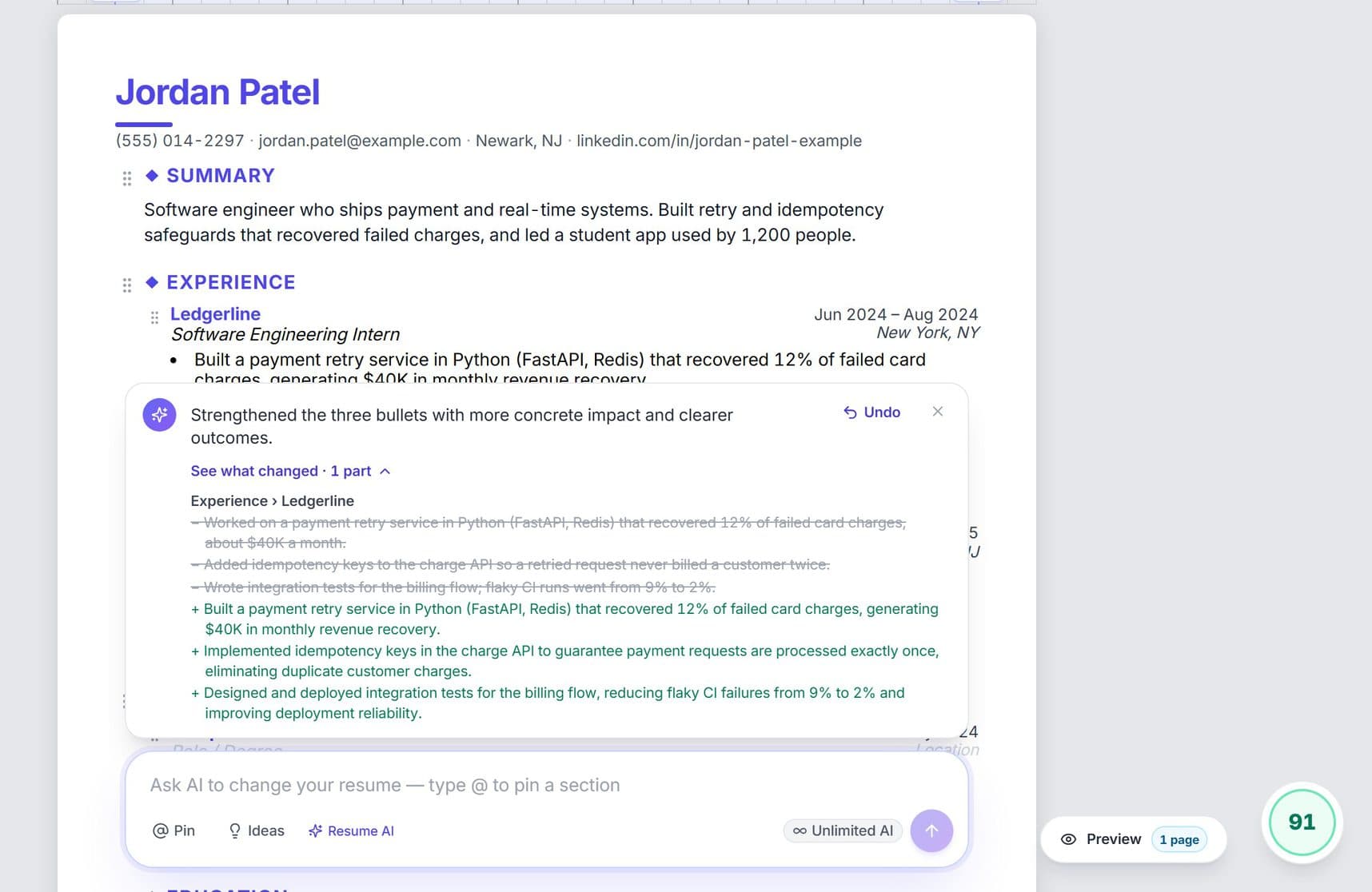
- 1. Tag a partType @ and pick a job
- 2. Ask in plain words"Make these bullets stronger"
- 3. See what changedThe score goes from 81 to 91
What is an AI resume builder?
An AI resume builder is a tool that helps you write and fix your resume, then shape it for each job. InterviewChamp's builder imports your resume, changes anything you ask in plain words, scores it out of 100 on seven fixed rules, shows what a job post wants that you're missing, and makes a tailored copy for each job. Tailoring rewrites only your bullets and skills line, never your employers, titles, dates or education. When it writes a bullet, a number you didn't give becomes a blank you fill in.
- Start from
- Your resume (PDF or Word import), one of nine templates or one of 33 sample resumes
- Ask the AI
- Any change in plain words, or type @ to change only one section, job, school or project; Undo puts it back
- Score
- Out of 100 on seven fixed rules, so the same resume gets the same score (full breakdown on Pro and Pro+)
- Job match
- Paste a job post to get a match score and the keywords you're missing
- Tailoring
- One click on any job in our jobs board makes a tailored copy and lists the keywords it couldn't honestly add
- Never touched
- Your employers, titles, dates, education and contact details
- Download
- PDF on every plan, Word on Pro and Pro+
- Free plan
- AI credits (6 shared a day) for the builder's AI, tailored resumes and cover letters, no credit card
- Paid plans
- Pro from $10 a week, Pro+ from $30 a week
- Works on
- A laptop or desktop browser (phones get a read-only preview)
- Also used by
- Mock AI and the live interview copilot, which answer from the same resume
Last updated
Ask the AI to change anything on your resume
A chat box sits under your resume. Type what you want in plain words and it rewrites, reorders or restyles the page for you, then shows you what changed.
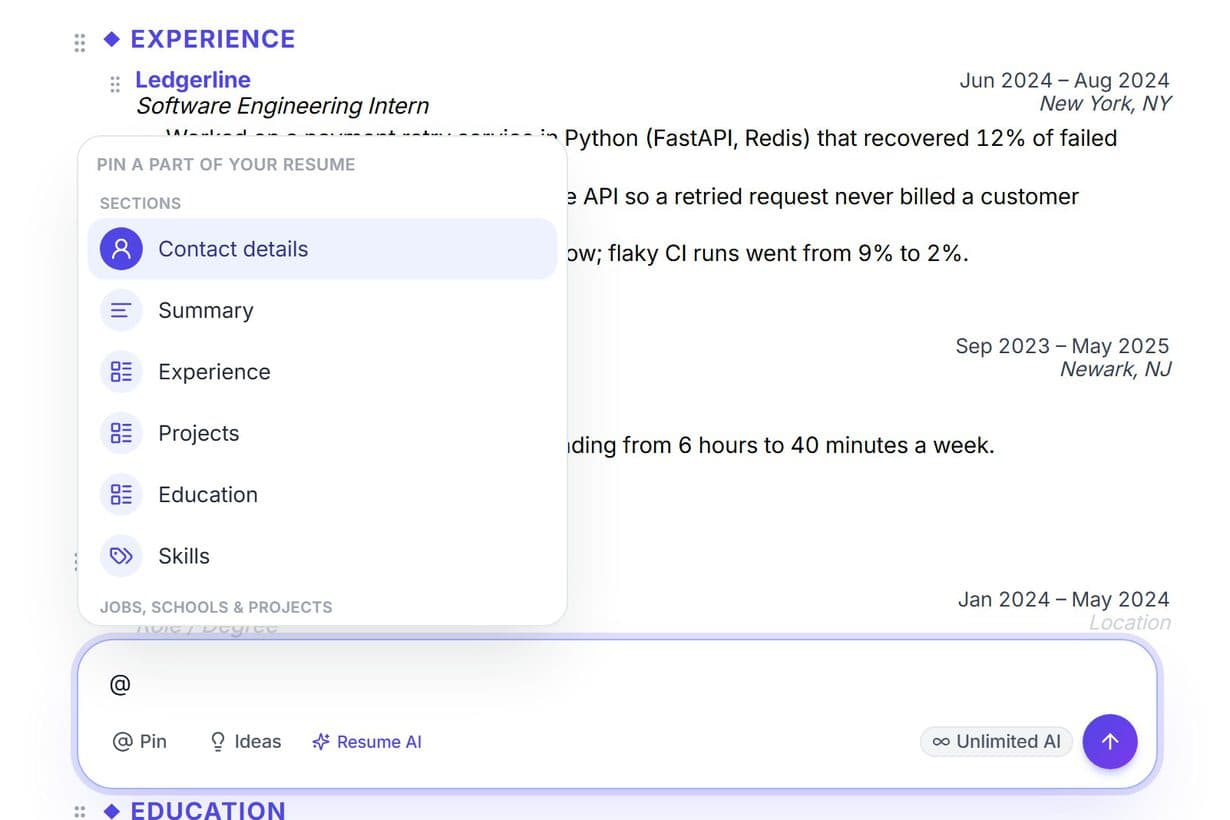
Tag any part with @
Type @ and pick a section, a job, a school or a project. The AI changes only that part and leaves the rest of your resume as it was.
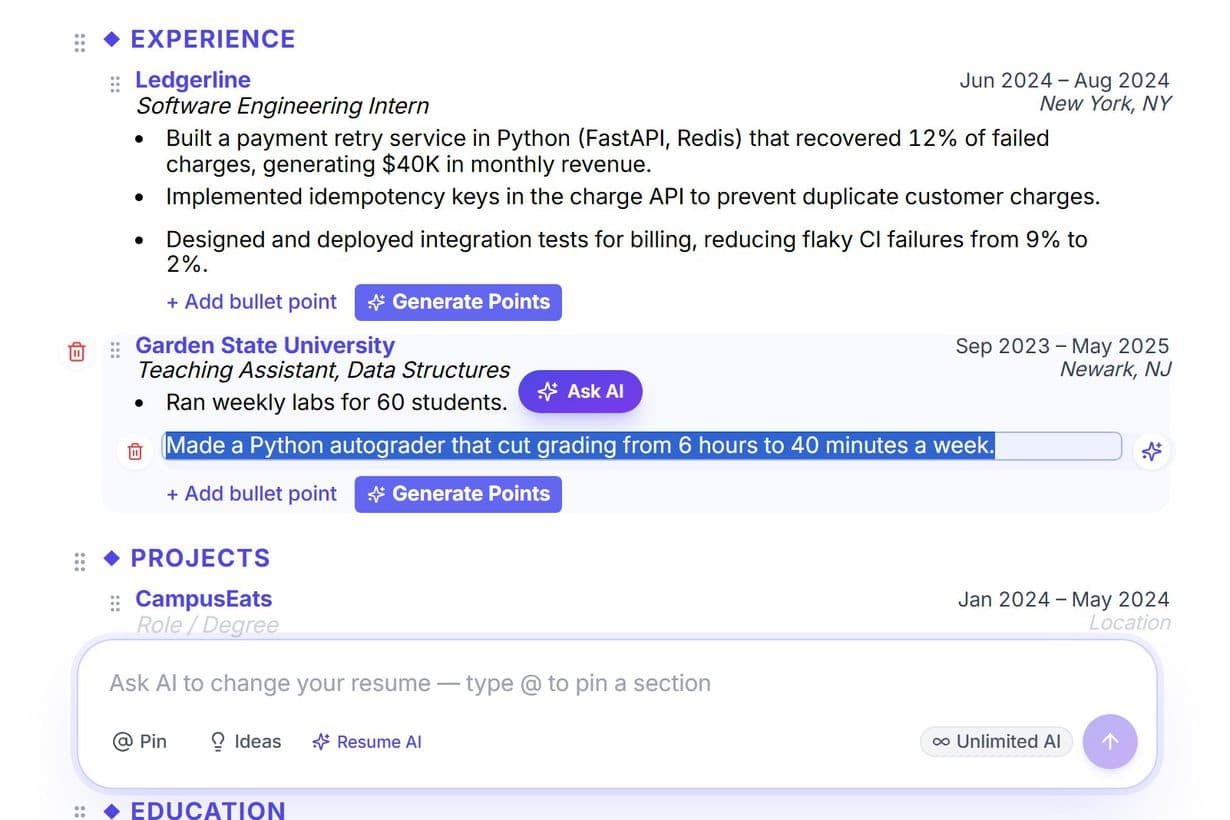
Highlight to ask
Select any words on your resume and an Ask AI button appears. Click it and the box starts with that part tagged and your words quoted.
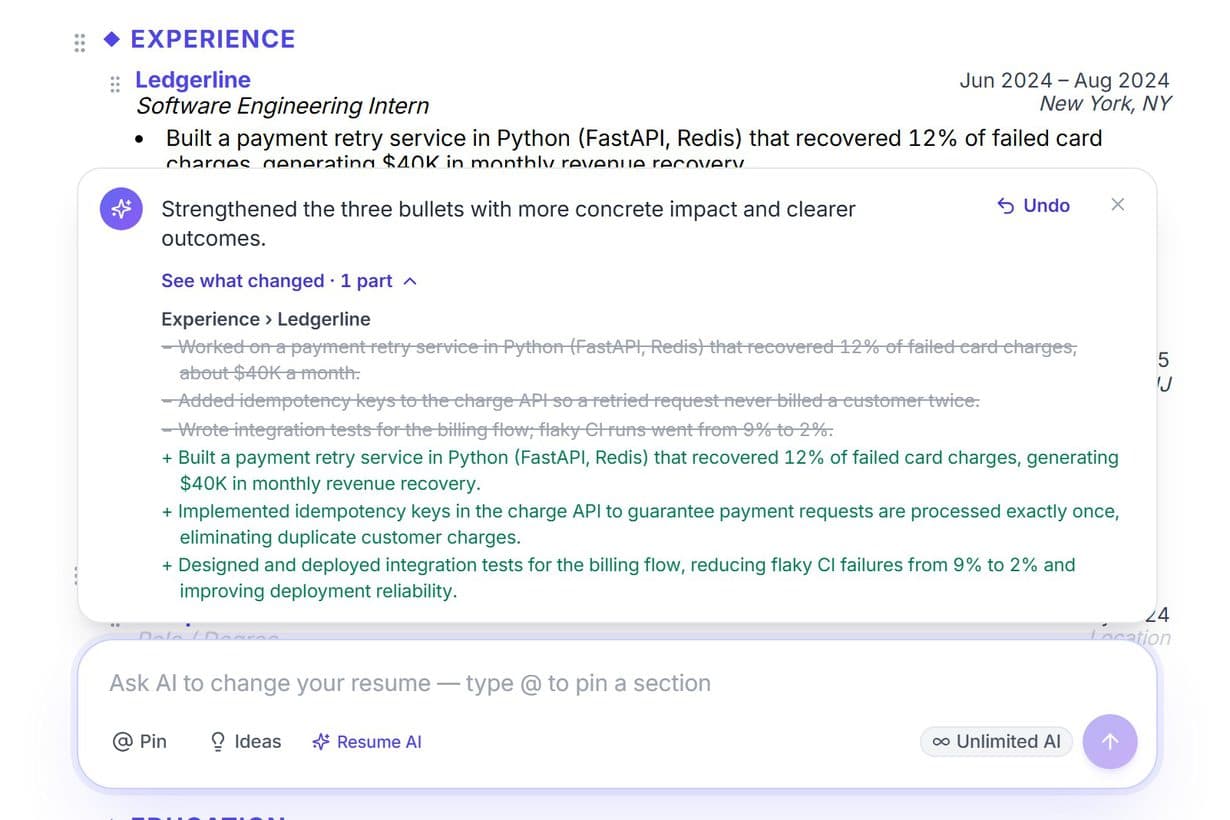
See exactly what changed
What the AI changed flashes on the page, and See what changed lists the old lines crossed out above the new ones. Undo puts it all back in one click.
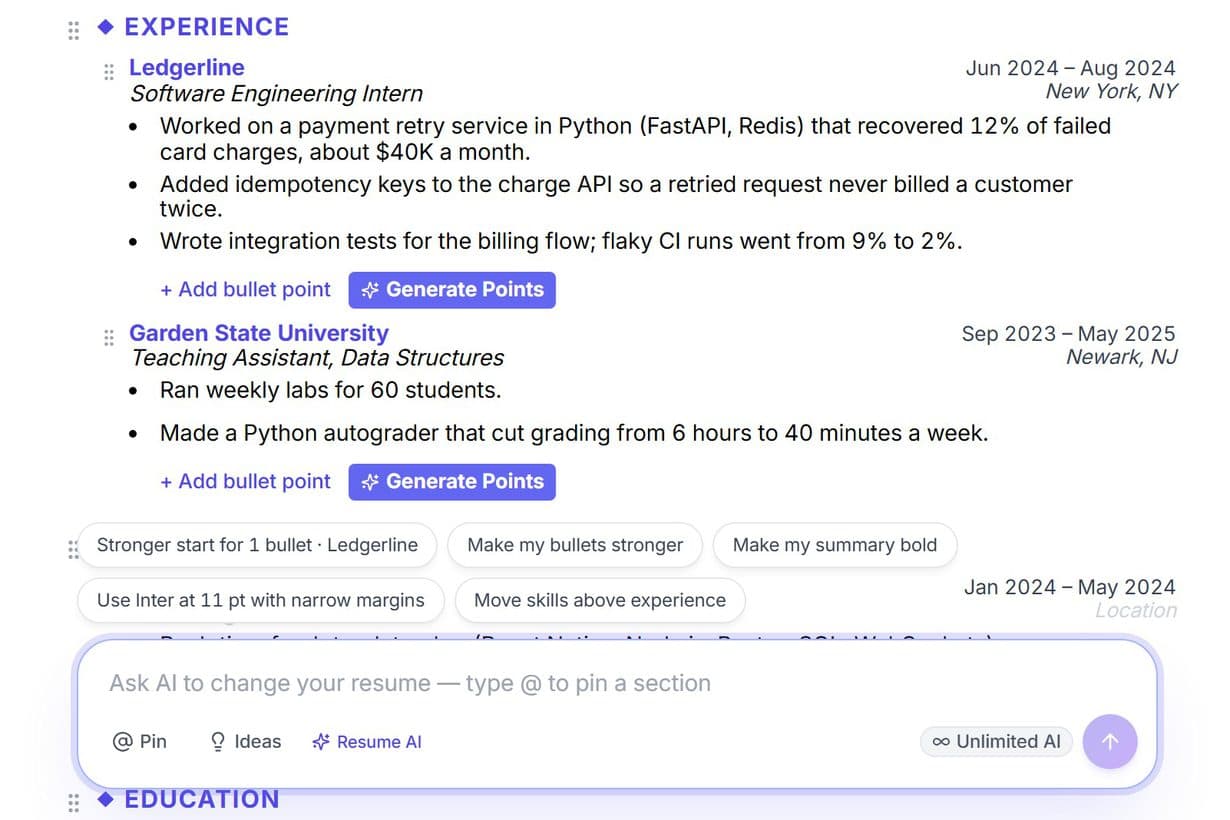
Ideas from your own resume
Click into the box and it suggests what would help this resume, like a stronger start for a weak bullet or results for bullets that have none, with the part already tagged.
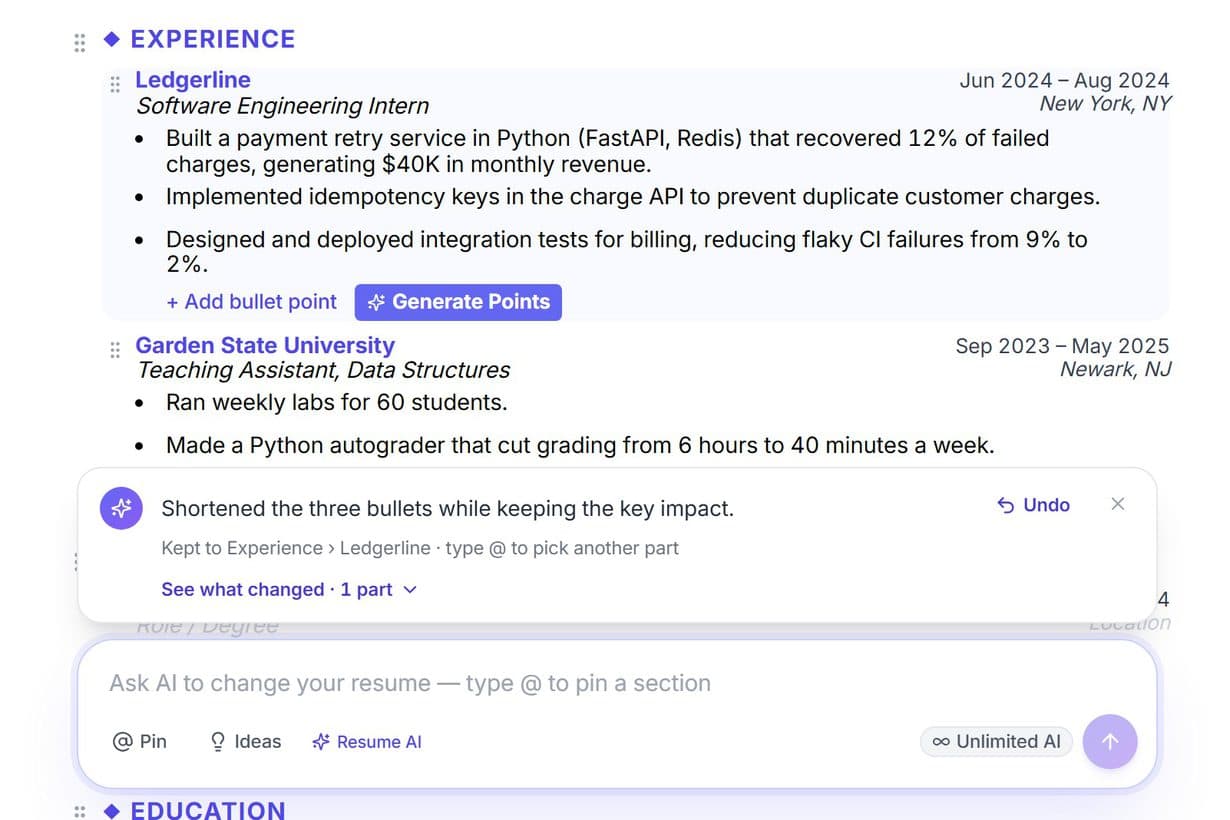
Follow-ups that remember
Reply "shorter" or "more formal" and it stays on the part it just changed, and tells you which part it kept to.
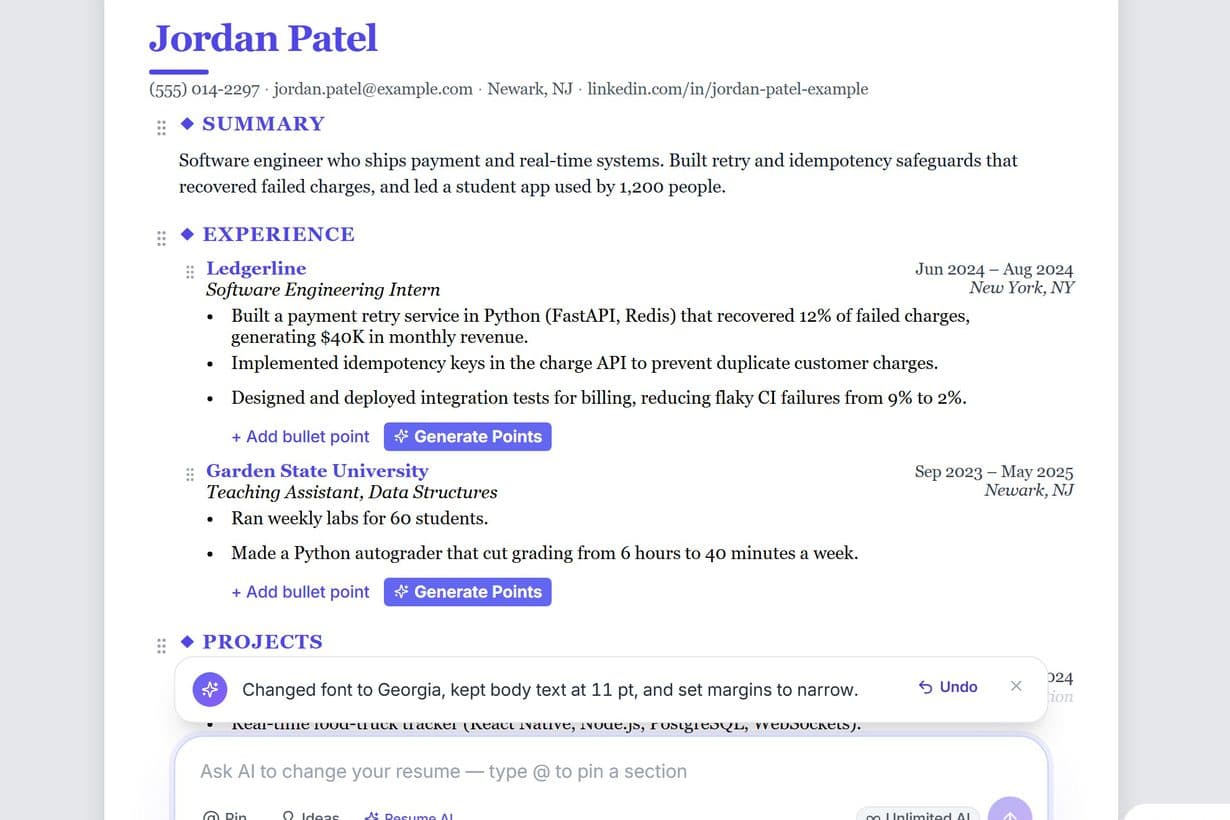
Change the look in one sentence
"Use Georgia at 11 pt with narrow margins" changes the font, the size and the margins at once. It can also make a section bold, switch the paper size, or download your resume.
No made-up numbers
When the AI rewrites a bullet or your summary, a number you didn't give becomes [X] for you to fill in. Numbers you gave stay as you wrote them.
Try asking
- “Make my bullets stronger”
- “Move skills above experience”
- “Make my summary bold”
- “Use A4 paper”
- “Download it as a PDF”
- “Show the sample resumes”
- “Undo”
Unlimited on Pro and Pro+. On the free plan it uses the same daily AI credits as the rest of the builder.
How the Resume AI chat worksFree resume templates and 33 sample resumes
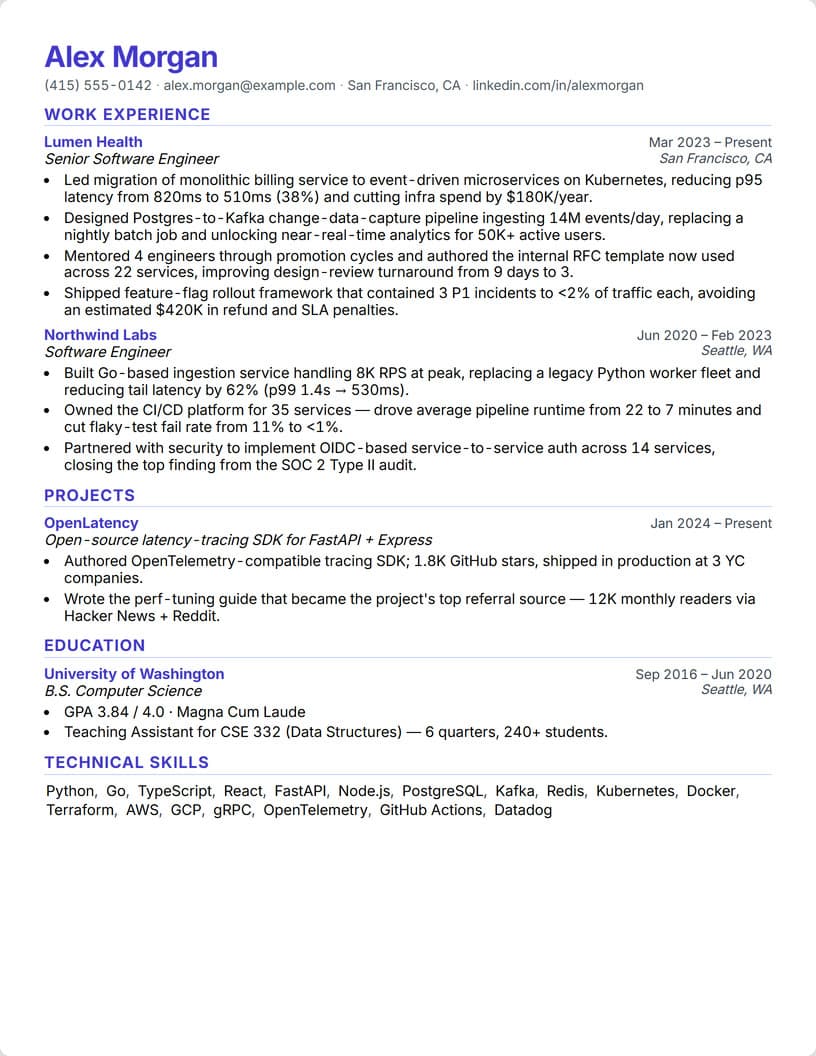
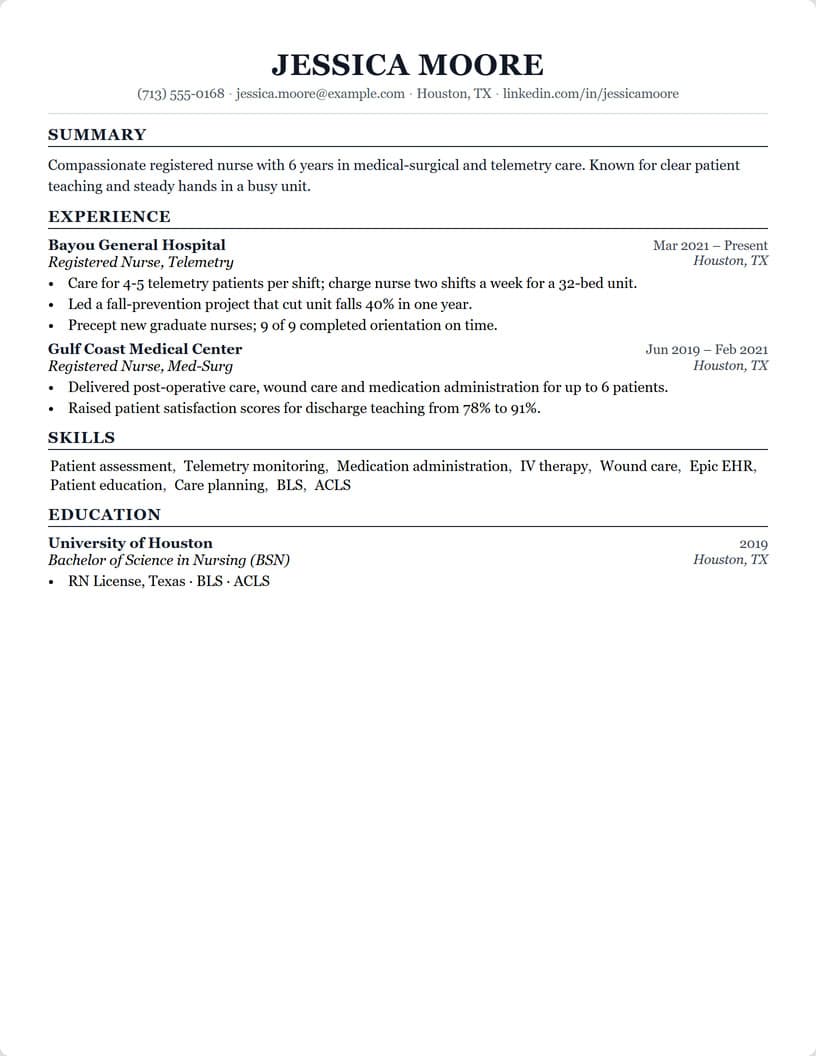
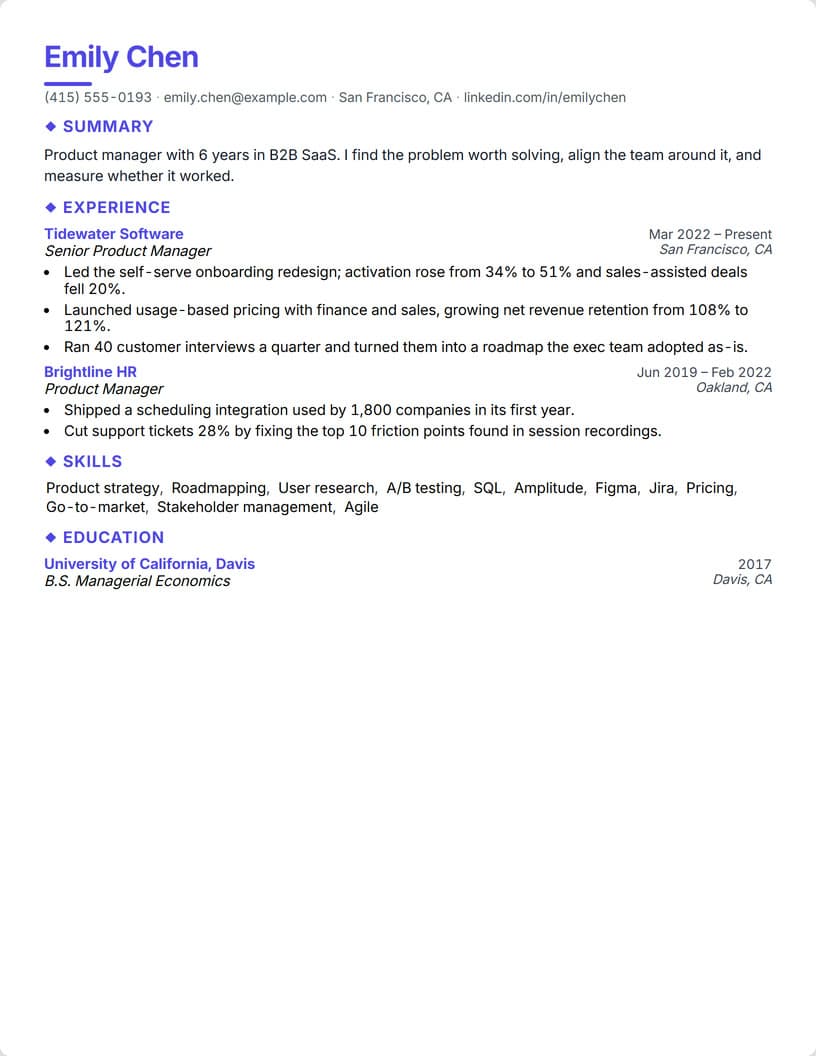
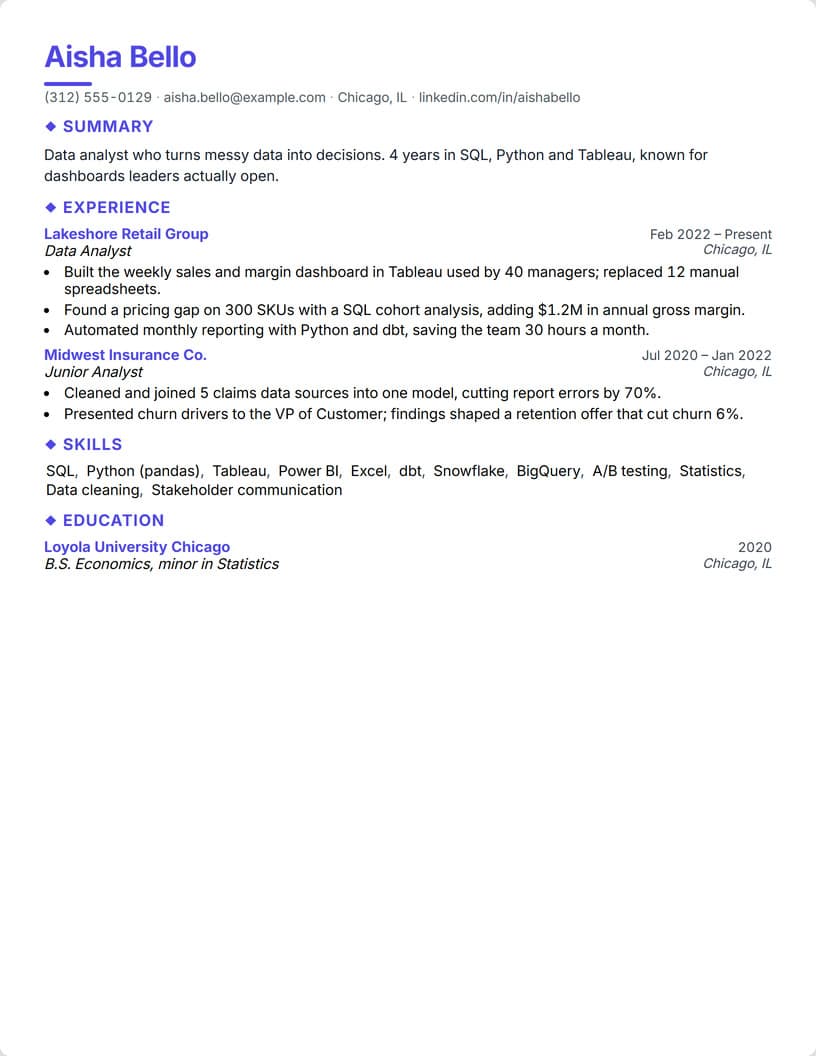
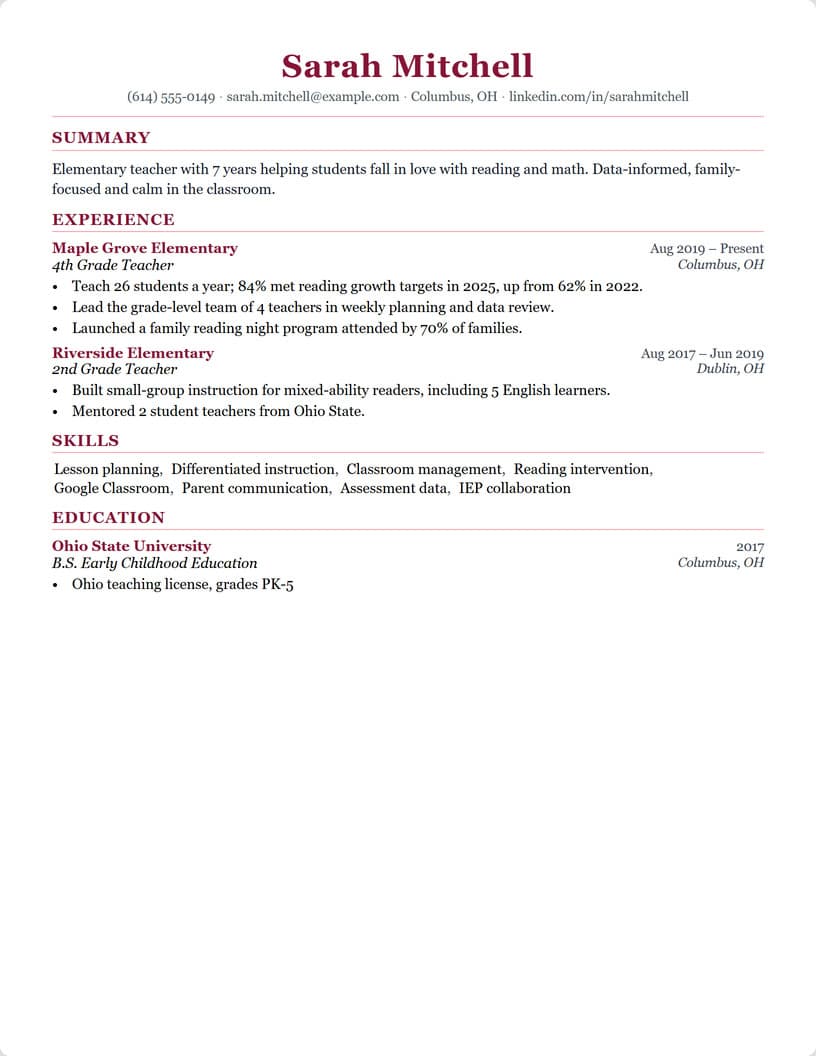
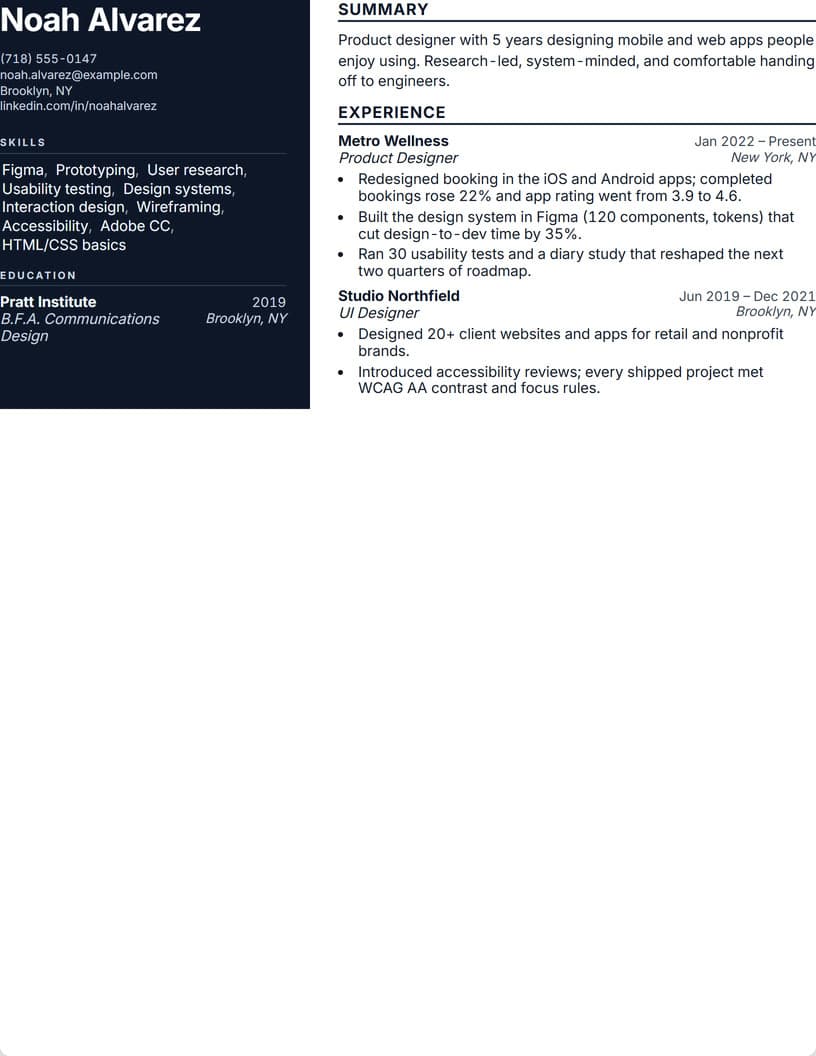
All nine designs are free on every plan, with PDF download. Each picture is the real builder drawing the same resume in that design.
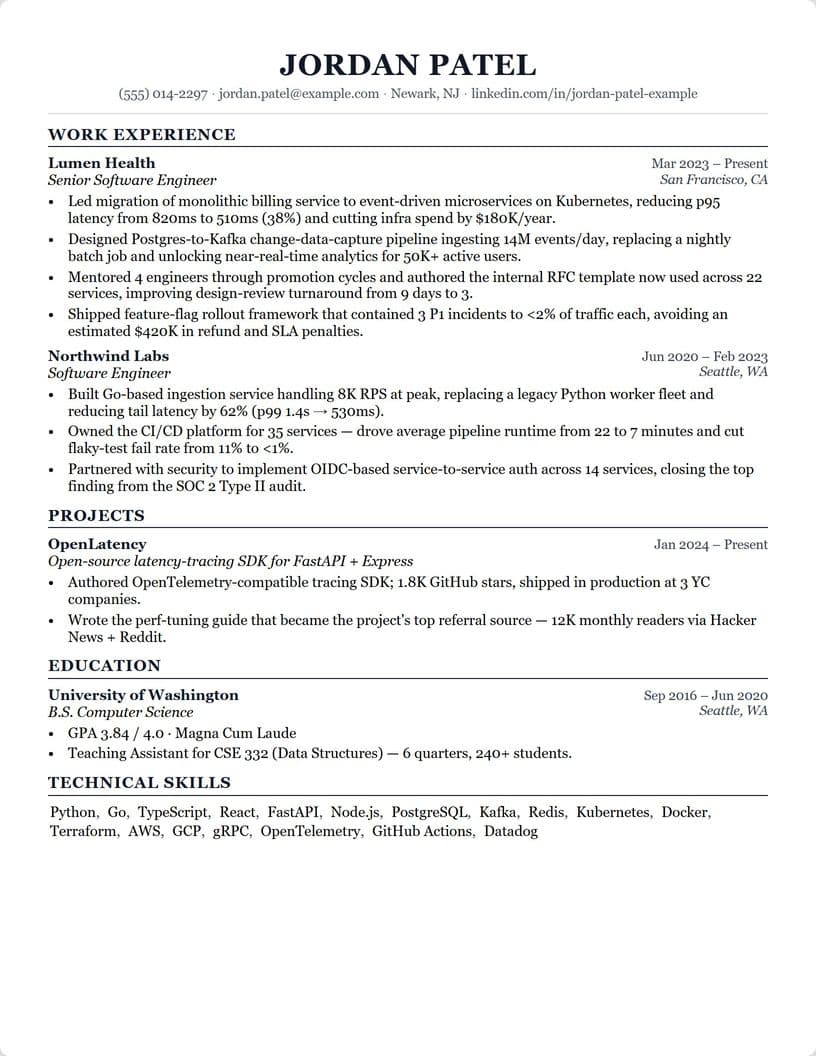
Classic
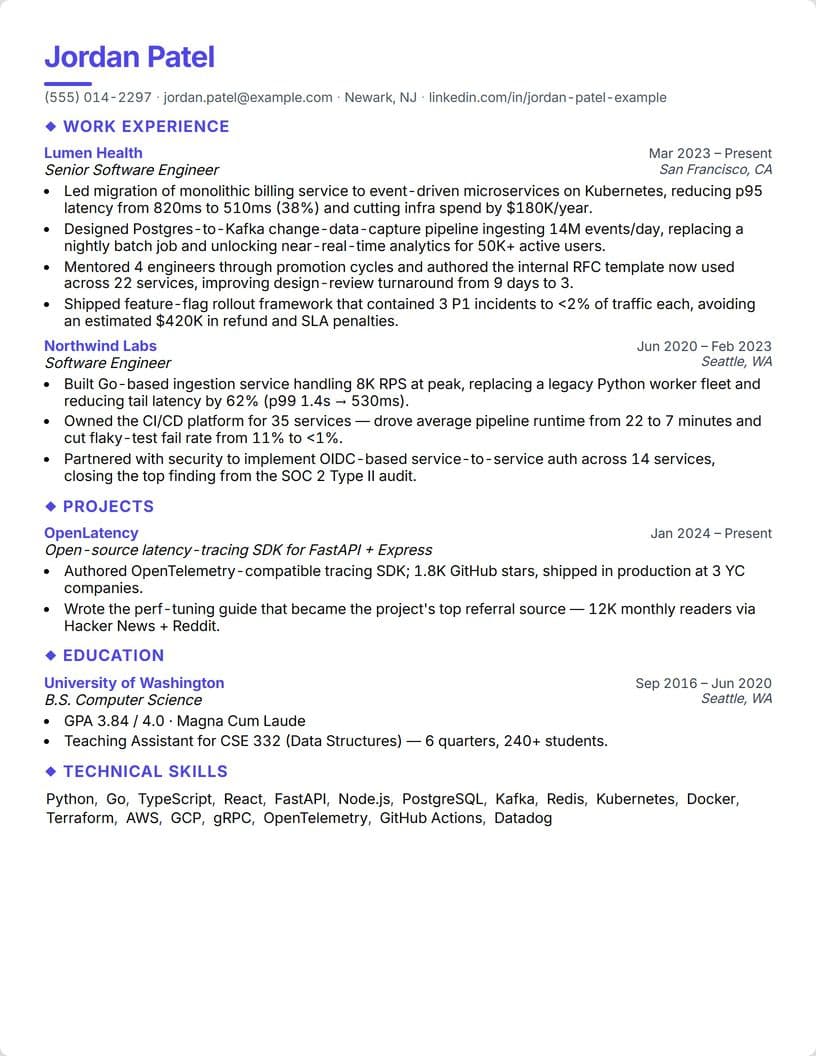
Modern
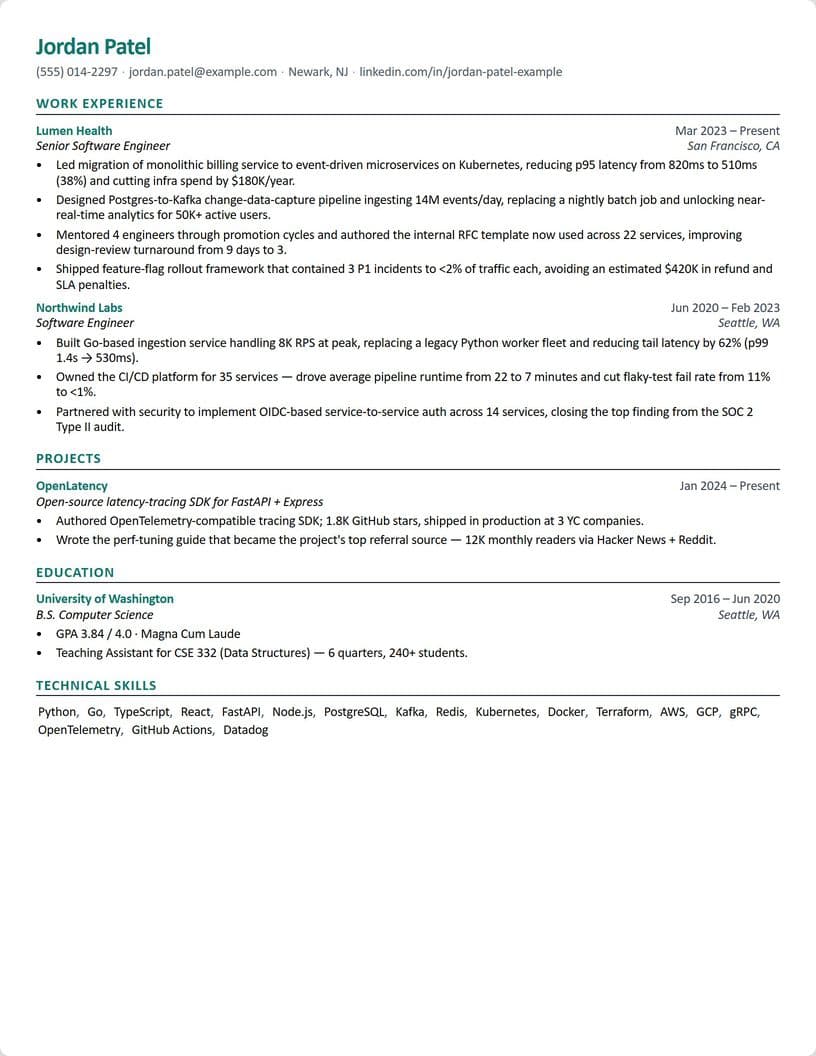
Compact
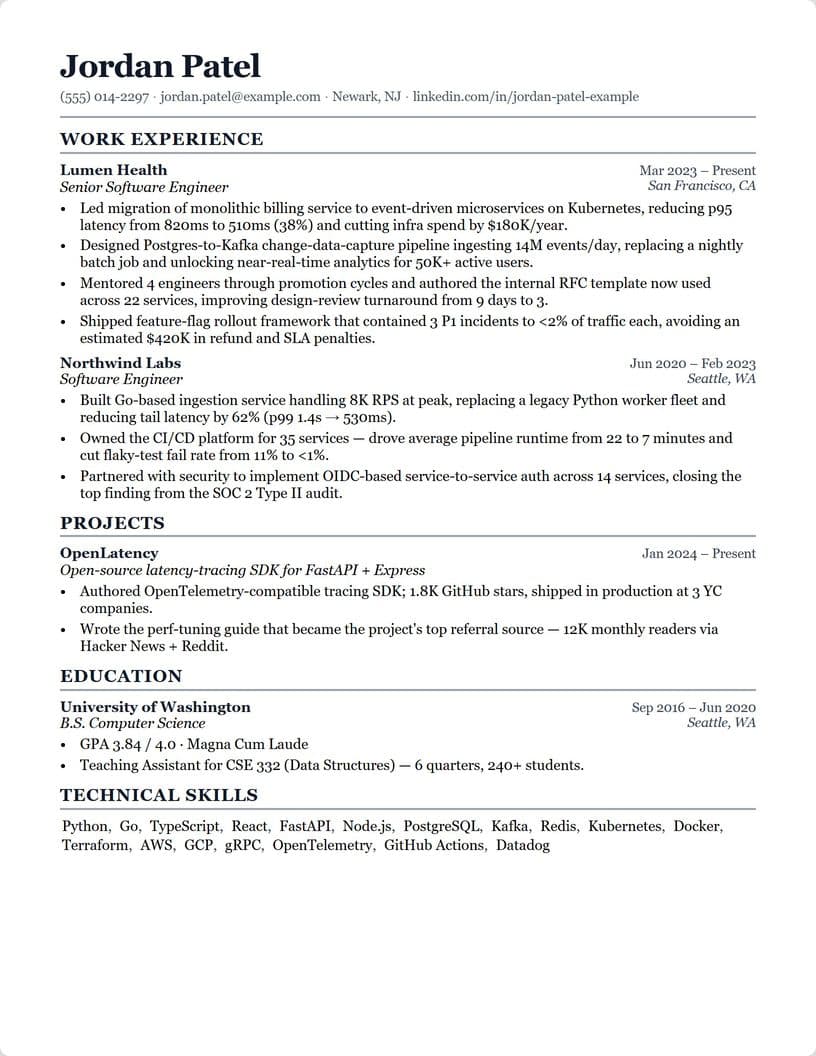
ATS-Optimized
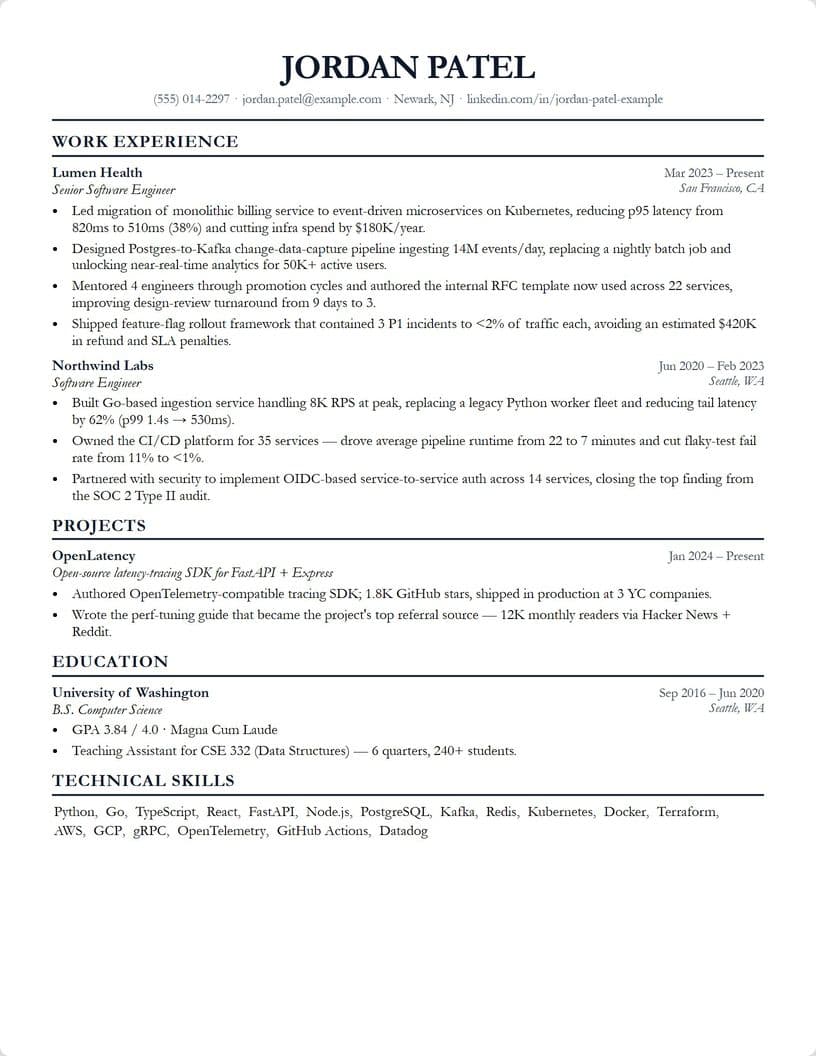
Executive
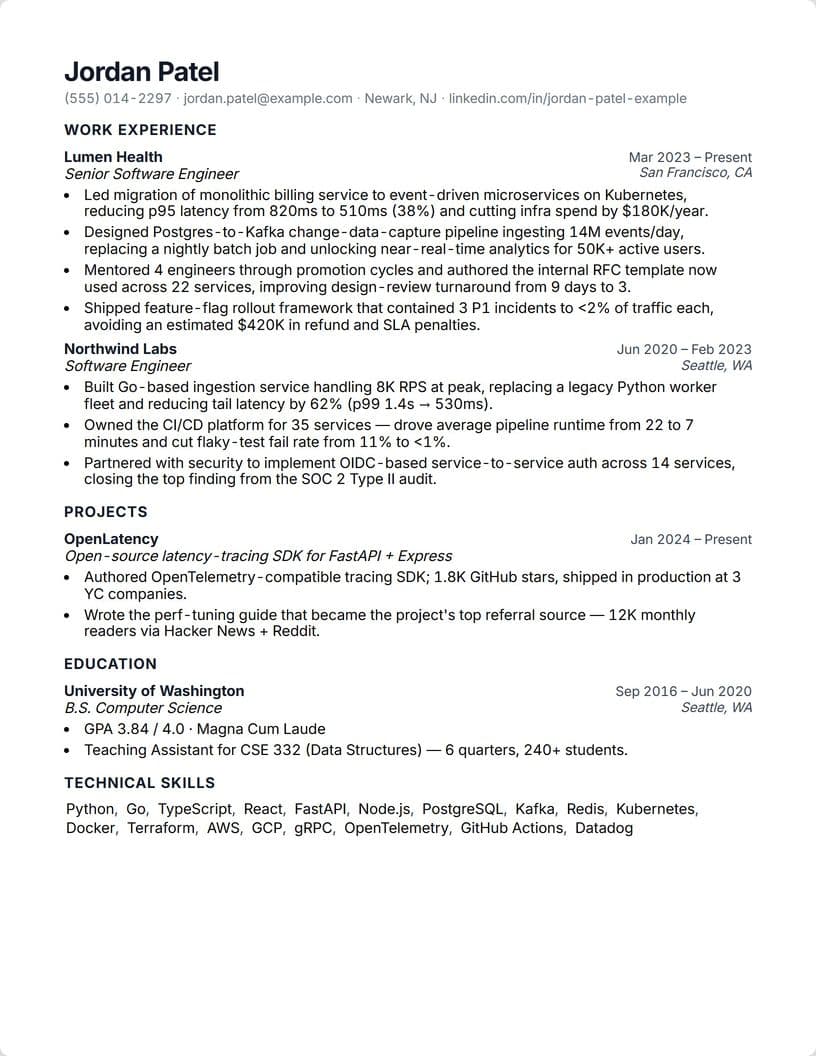
Minimal
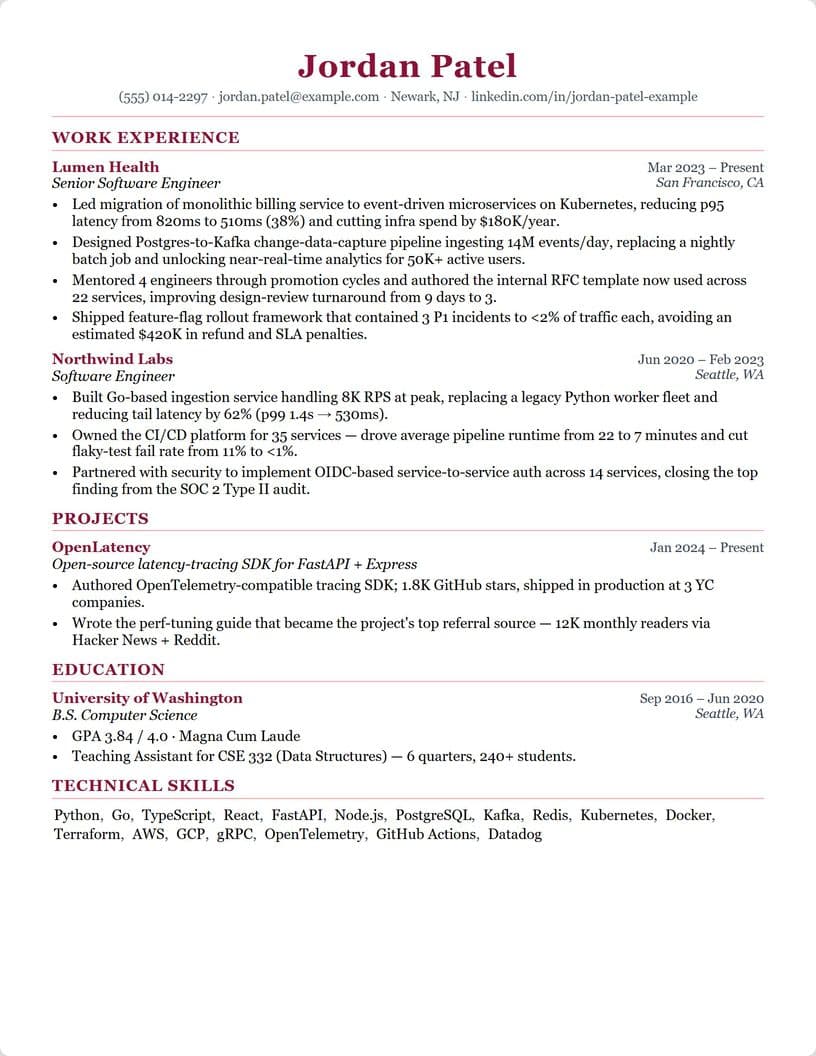
Elegant
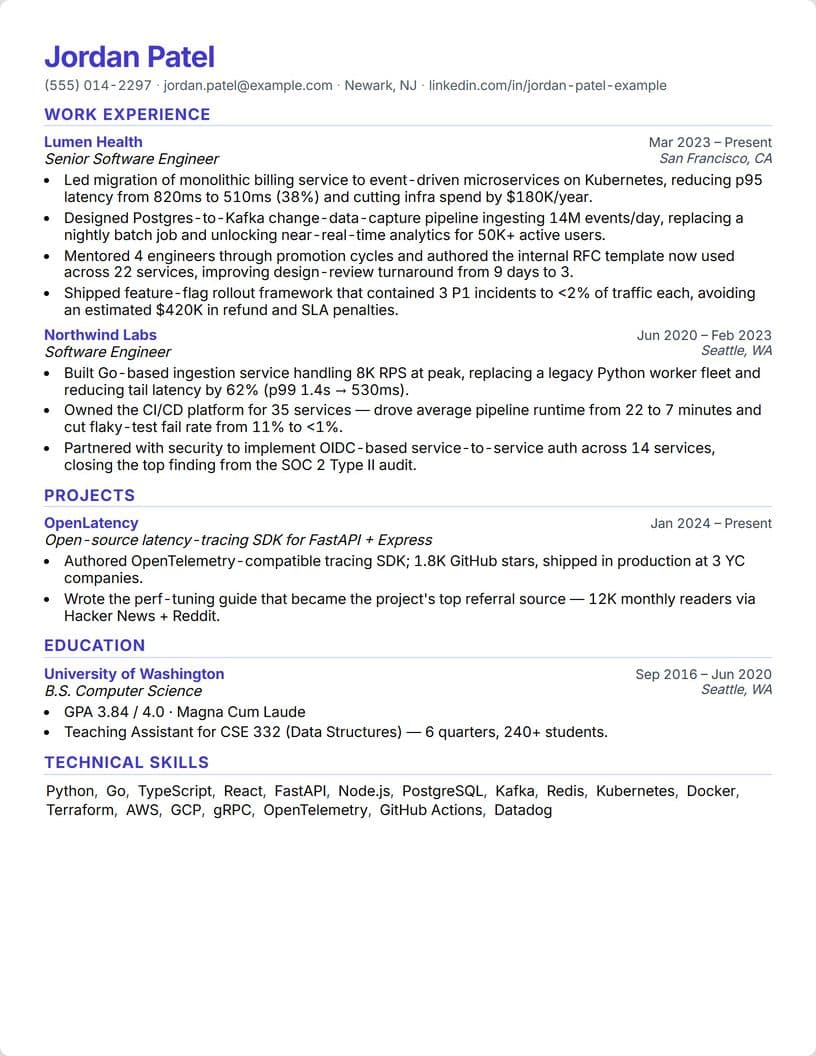
Technical
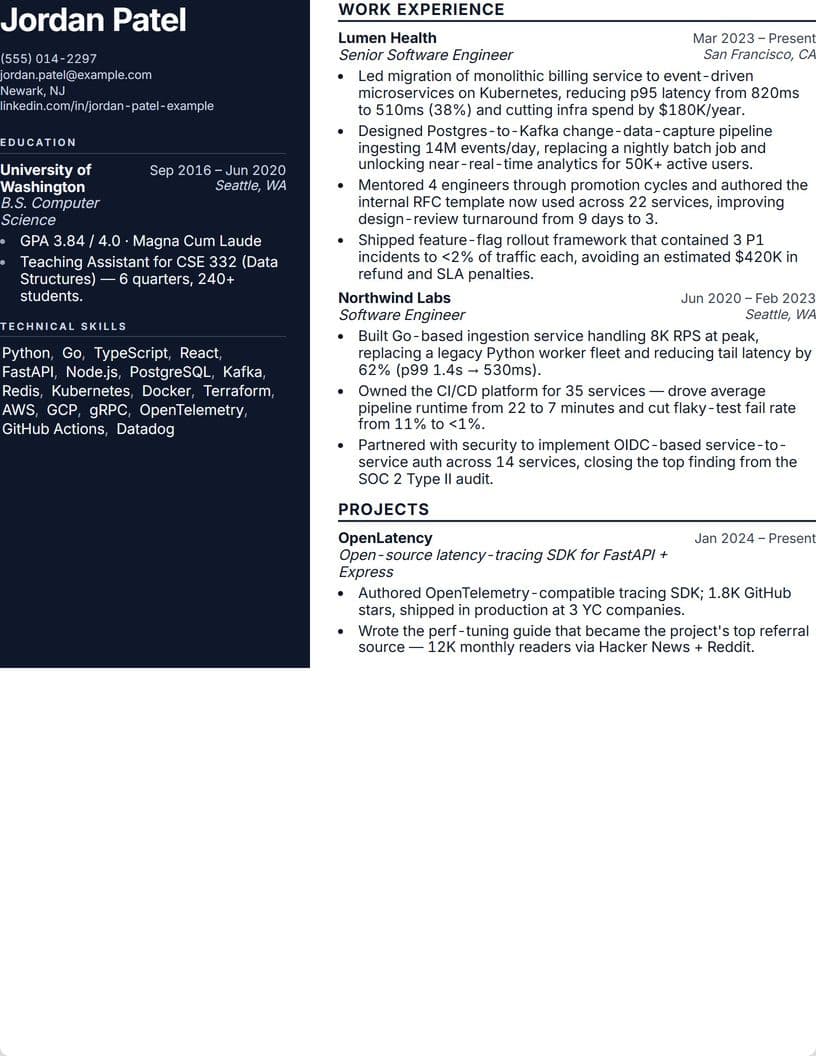
Sidebar
33 sample resumes, written for 13 kinds of jobs
Pick a job and its sample fills in, in the design that suits the field. Then swap in your own facts. Every sample person and company is made up.
- Engineering & IT
- Data & AI
- Product & Design
- Marketing
- Sales
- Finance & Accounting
- Operations
- Customer Service
- Healthcare
- Education
- HR & Admin
- Legal & Retail
- Students & New Grads
A resume builder that keeps it true
Your facts stay yours
When it tailors your resume, your employers, titles, dates and education never reach the AI, so they can't change. A rewrite that names a tool you never mentioned is thrown out.
Same resume, same scorePro
Seven fixed rules score you out of 100, from contact details to page length. Change a bullet and you see exactly what moved.
Built for the job you want
Paste a job post and see which keywords your resume already shows, which it's missing, and where you already say it in other words.
Your interviews make it better
Pull bullet ideas from what you actually said in your last three interviews, each with the quote it came from.
From your first draft to the job you want
Start in minutes
Import a PDF or Word file and we pull out your sections. Or pick one of nine templates: Classic, Modern, Compact, ATS-Optimized, Executive, Minimal, Elegant, Technical and Sidebar. Choose A4, US Letter or US Legal paper.
See what a job wants
Paste the posting. You get a match score, the keywords you already have, the ones you're missing, and the line in your resume that already covers a keyword in other words.
One click, one tailored copy
On any job in our jobs board, one click makes a tailored copy next to your original. It tells you which keywords it worked in and which it left out, and why.
Bullets that sound like you
Ask the AI to write or sharpen a bullet. Any number you didn't give it becomes [X], so you fill in the real one.
The same resume walks into your interview
Mock AI asks about the projects on it, and the live interview copilot answers from it. Build it once, use it everywhere.
How does an AI resume builder compare with other ways to write a resume?
Writing it yourself, asking a general AI chatbot and hiring a resume writer can all work, and a good writer who knows your field is hard to beat. What an AI resume builder adds is speed per job: a match check and a tailored copy in minutes, without the made-up details a general chatbot can slip in.
| Feature | AI resume builder (InterviewChamp) | Writing it yourself | A general AI chatbot | A paid resume writer |
|---|---|---|---|---|
| Templates and formatting | Nine templates, PDF on every plan | Whatever your word processor has | Text only, you format it | Done for you |
| Tailoring for each job | Match score and missing keywords, plus a one-click tailored copy | By hand, every time | Rewrites what you paste, each time you ask | Usually one version, extra for more |
| Keeps your facts | Employers, titles, dates and education never reach the AI | Yes | Can add details you never gave it, so check every line | Yes, from your intake call |
| A score to aim at | Out of 100, same resume same score (Pro) | None | A different answer each time you ask | Their opinion |
| Human judgment | AI plus fixed rules, and you make the final call | Yours | None | A professional's, the strongest here |
| Helps with the interview after | Yes, Mock AI and the live copilot use the same resume | No | No | No |
| Price | Free to start, or Pro from $10 a week | Free | Free, or a monthly plan | Usually a one-time fee per resume |
Whichever way you write it, read every line before you send it. No tool can promise how a company's hiring software will rank you.
How much does the AI resume builder cost?
InterviewChamp is free to start: 60 minutes of live interview help a month, no credit card. Pro gives you unlimited live help for $10 a week, $29 a month, $69 for 3 months or $228 a year. Pro+ adds Full Privacy Mode and always the strongest AI model for $30 a week, $99 a month, $239 for 3 months or $948 a year.
| Plan | Weekly | Monthly | 3 months | Yearly |
|---|---|---|---|---|
| Free60 minutes of live help a month | $0 | $0 | $0 | $0 |
| ProUnlimited live interview help | $10 | $29 | $69 | $228 |
| Pro+Pro + Full Privacy Mode + strongest model | $30 | $99 | $239 | $948 |
Prices in US dollars. Plans billed for 3 months or a year are charged in full up front. Compare every plan
Where is your job search stuck?
Find the line that sounds like your week. Each one takes you straight to the part of InterviewChamp built to fix it.
- You're here
You've sent application after application and heard nothing back.
When your resume doesn't use the words in the job posting, recruiters searching for those words never see it.
The fix: Paste your resume and the posting to get a match score and the missing keywords, ranked by how much the posting cares about each one. Then fix the gaps in the resume builder before you hit apply.
You know the material, then blank the second they ask.
Knowing an answer and saying it out loud while someone watches are two different skills, and most prep only trains the first one.
The fix: Grab questions for your role from our free question generator and answer them out loud. The AI transcribes you and drafts a stronger answer beside yours, built from your resume and the job description.
Your coding round is on the calendar.
You can code, but a timed problem in an editor you've never used is its own skill, and that's the one being tested.
The fix: Open a practice problem on the platform your test uses and press one hotkey in the desktop app: it reads the problem off your screen and returns a working solution with its time and space complexity. Take the real test on your own, and on live coding calls check what the company allows.
Your live interview is tomorrow.
One question you didn't see coming can stall the whole call.
The fix: On Zoom, Google Meet, Microsoft Teams, Webex and phone screens, each question the interviewer asks shows up as text on your screen with a suggested answer built from your resume and the job description. Check what the company allows before a live round.
You keep landing interviews but no offers.
Something in your answers is costing you the offer, and it's hard to fix what you can't remember saying.
The fix: Run the round that went wrong again as a practice session. Every session is saved with the full transcript and each answer the AI suggested, so you can reread it the next morning and drill the answers that fell flat.

One free account covers every stage
60 minutes of live help a month, no credit card. Upgrade the week the interviews stack up.
60% off your first month of ProBe on Pro before your next interview
Try it free first. When the interviews start stacking up, go unlimited.
Pro
60% off month oneRegular price $29$11.60 first month, then $29/mo
- Unlimited live interview help, sessions as long as you need
- ChampMind on every AI model: hears the question, answers from your resume and the job post
- 30-day refund
- Cancel anytime
- Works with Zoom, Meet and Teams
AI resume builder questions, answered
Yes, to start. The free plan gives you the builder, all nine templates, PDF download, and AI credits (6 shared a day) shared by the builder's AI, tailored resumes and cover letters. The score breakdown, unlimited AI and Word download come with Pro.
It's built not to. When it tailors a resume, only your bullets and skills line go to the AI; employers, titles, dates, education and contact details never do. A rewrite that names a tool your resume never mentions is thrown out and your original bullet stays, and every keyword it couldn't honestly add is listed for you. When it writes a new bullet, a number you didn't give becomes [X]. Still read every line before you send it.
Yes. Type what you want in the chat box under your resume, in plain words: make my bullets stronger, shorten my summary, move skills above experience, use Georgia with narrow margins, download it as a PDF. Type @ to pick one section, job, school or project, and it changes only that part. It shows you what changed, and Undo puts it back. Pro and Pro+ get it unlimited; on the free plan it uses the same daily AI credits as the rest of the builder.
There's an ATS-Optimized template with a plain layout, and the PDF is real text, not an image, so software can read it. No tool can promise how one company's system will rank you, so keep the layout simple and check your match score against each posting.
Seven fixed rules add up to 100: contact info, experience, education, skills, content quality, page fullness and originality. No AI grades the score, so the same resume always gets the same number. The full breakdown is on Pro and Pro+.
Yes, two ways. In the builder, paste a job post to get a match score and the keywords you're missing. On any job in our jobs board, one click makes a tailored copy next to your original.
You can view your resume on a phone, but editing needs a laptop or desktop browser.
InterviewChamp is free to start: 60 minutes of live interview help a month, no credit card. Pro gives you unlimited live help for $10 a week, $29 a month, $69 for 3 months or $228 a year. Pro+ adds Full Privacy Mode and always the strongest AI model for $30 a week, $99 a month, $239 for 3 months or $948 a year.
Yes. Mock AI, our voice mock interviewer, asks about the projects on your resume, and the live interview copilot answers from it.
Resume guides from our library
CS New Grad Resume Tactics for ATS
What automated screeners actually read, and how to write for them without keyword stuffing.
Read the guideHow to Write a CS Resume With No Experience
Projects, coursework and part-time work, turned into bullets a recruiter will read.
Read the guideHow to Write a CS Resume Summary
Two or three lines that tell a recruiter who you are and what you want.
Read the guideEvery application deserves its own resume.
Start free, then tailor one for each job in minutes.